Native 2K output
Generate the high-resolution master inside the model rather than relying on a separate upscale pass.
Create native 2K, 24 fps videos with synchronized dialogue, sound effects, and atmosphere. Start from a prompt, animate first and last frames, or guide a scene with image, video, and audio references.
Generate with MiniMax H3Avoid copyrighted characters, logos or music and sensitive, explicit or violent material; the provider may block them.
Native audio included
Generate up to 4 video variations with the same prompt and settings.
Generate the high-resolution master inside the model rather than relying on a separate upscale pass.
Create clips at a film-standard cadence with stable motion designed to fit naturally into an editing timeline.
Give a scene enough time for an opening, action, and closing beat without stitching several short clips together.
Guide character, styling, movement, and voice with up to nine images, three videos, and three audio references.
Generate dialogue, sound effects, and ambience in the same pass so sound follows what happens on screen.
MiniMax H3
on SeaMove AI
Choose a creation mode, describe the scene and sound, add only the references that matter, then review a high-resolution clip.
Start CreatingA flexible fit for teams that need longer short-form stories, cleaner delivery masters, and sound that is designed with the picture.
Start Creating
Create campaign concepts, product moments, and social ads with enough duration for a complete narrative beat.
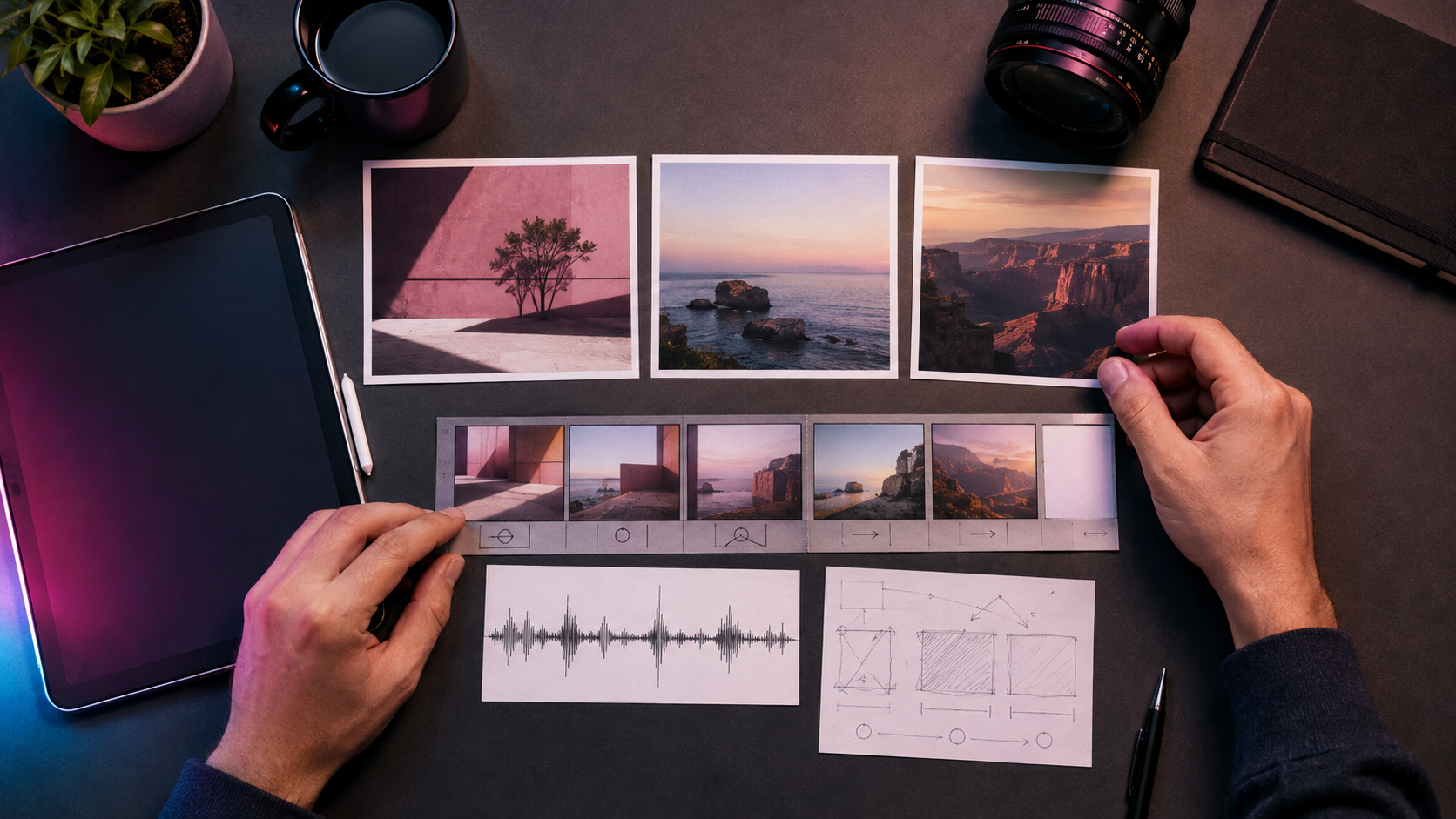
Previsualize shots at 24 fps, test camera language, and deliver a native 2K source for the edit.
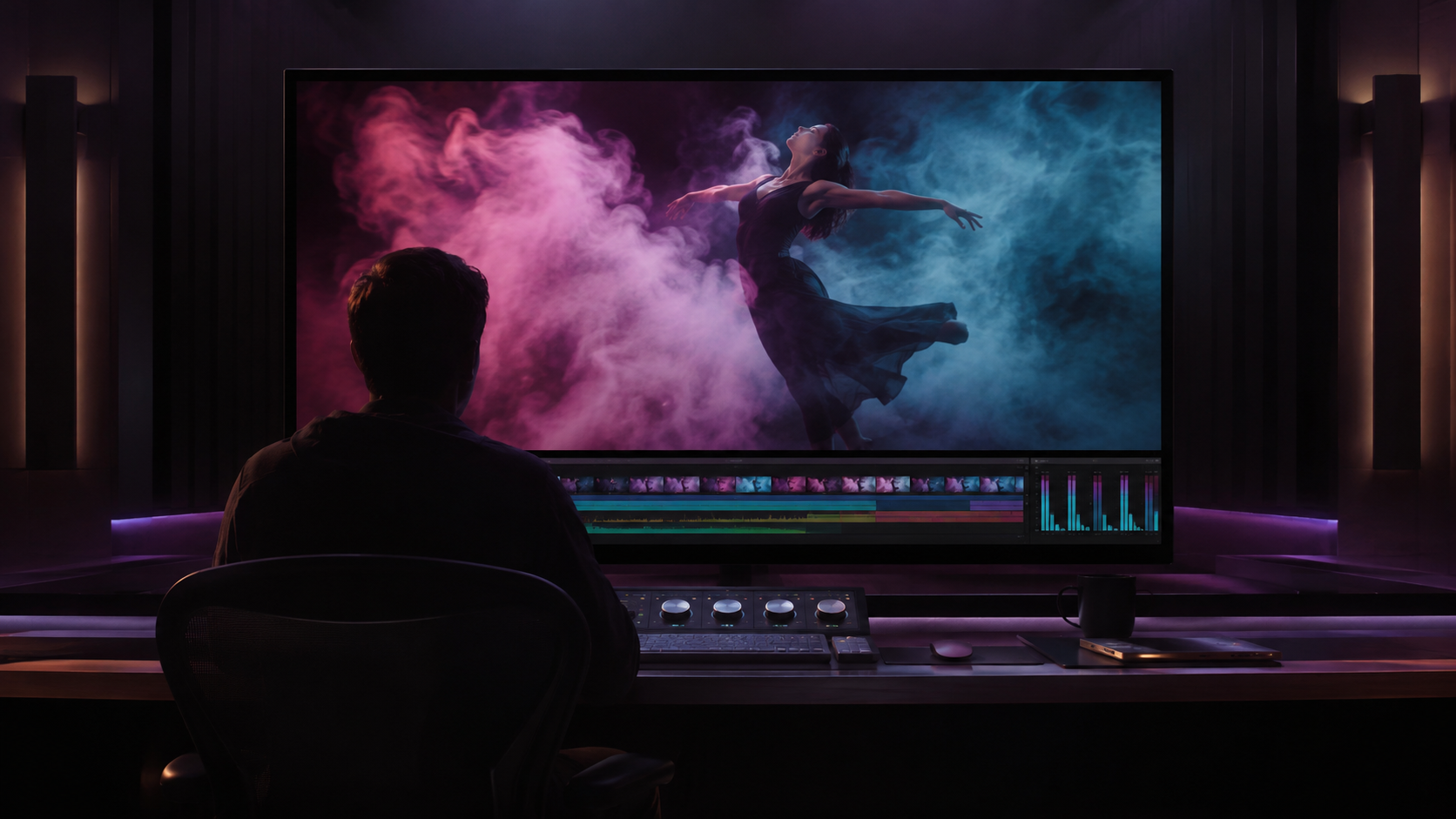
Use visual and audio references together to guide recurring identity, performance, atmosphere, and voice.
Combine a precise prompt with the references you trust, then generate a polished scene with picture and sound in one workflow.
Start Creating
The generator exposes the Kie-supported controls for each H3 task type while keeping pricing, status tracking, and results inside your existing workspace.
Start CreatingStart with text, animate first and optional last frames, or combine image, video, and audio references in a single task.
Text mode supports 21:9, 16:9, 4:3, 1:1, 3:4, and 9:16. Reference mode also supports Adaptive, while frame mode follows the uploaded image.
Use up to 7,000 characters to specify performance, shot progression, camera movement, spoken lines, effects, and atmosphere.
Upload as many as nine images, three videos, and three audio clips, then address them clearly in the prompt.
Generate one to four variations at once. Credits are reserved per task, and failed provider tasks use the existing automatic refund path.
Use longer shots, multimodal references, and sound generated in the same pass to move from concept to a review-ready clip.
Fit the hook, product moment, and closing beat into one generation while maintaining a coherent look across the sequence.
Explore camera movement, lighting, performance, and atmosphere at a cinematic 24 fps before committing to production.
Combine clean visual and voice references to keep identity, styling, movement, and sound aligned across multiple shots.
Generate native 2K masters for product films, social campaigns, game trailers, and premium presentation screens.
Turn a prompt or a set of visual and audio references into a polished short-form video with native sound.
A production-ready multimodal workflow