Flare para la creación cotidiana
Explore ideas visuales con GPT Image 2.5 Flare, creado para una generación de imágenes cotidianas rápida y de alta calidad.
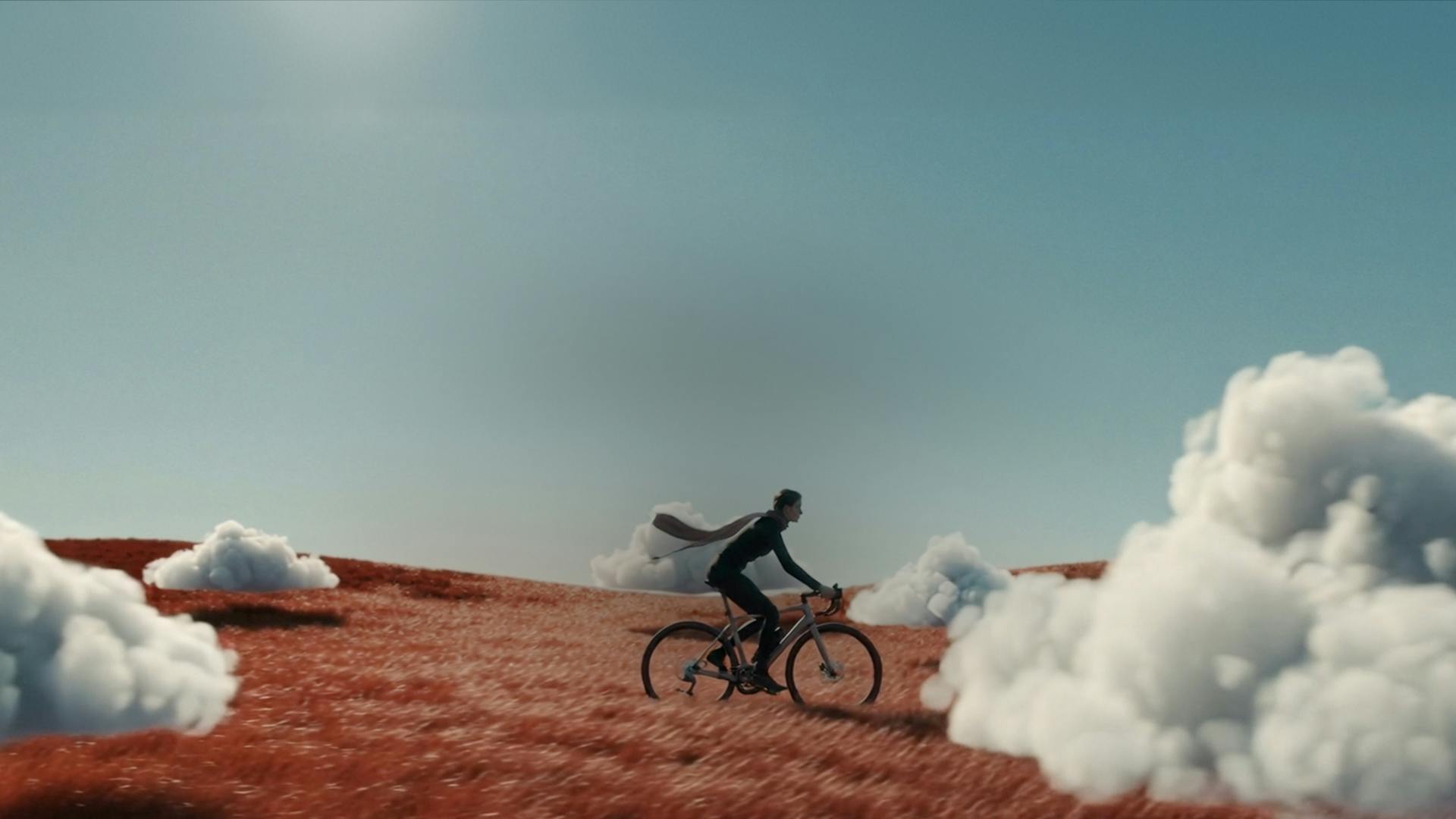
Crea y edita con GPT Image 2.5. Elija Flare rápido o Sunburst centrado en la edición, agregue imágenes de referencia y genere imágenes en hasta 4K.
Explore ideas visuales con GPT Image 2.5 Flare, creado para una generación de imágenes cotidianas rápida y de alta calidad.
Elija GPT Image 2.5 Sunburst cuando la prioridad sea una edición cuidadosa de la imagen. Describe el cambio y los detalles a preservar.
Convierta un informe escrito en una nueva imagen. Especifique el tema, el entorno, los colores y la composición para guiar su resultado.
Cargue hasta 16 imágenes de referencia para editarlas. Utilice un mensaje para guiar los cambios en un objeto visual existente.
Elija resolución 1K, 2K o 4K y 13 opciones de relación de aspecto, incluidos formatos automático, cuadrado, vertical y ancho.
Elige un modelo, describe tu idea y revisa tu imagen en un espacio de trabajo.
Empezar a crearUn espacio de trabajo compartido para explorar ideas visuales y refinar imágenes existentes.
Empezar a crearExplora conceptos visuales, composición y estilos a partir de un resumen creativo.
Desarrollar conceptos de campaña y adaptar imágenes para diferentes ubicaciones.
Cree conceptos de escenas de productos y utilice imágenes de referencia para guiar las variaciones.
Pruebe nuevas direcciones visuales y refine imágenes para publicaciones sociales y proyectos editoriales.
Utilice entradas de texto e imágenes para crear nuevas imágenes o revisar las existentes.
Empezar a crearDescribe una escena y genera una imagen a partir de tu informe.
Explique el objeto, escenario o detalle a cambiar e identifique los elementos a conservar.
Proporcione hasta 16 imágenes para guiar una edición con contexto visual.
Elija entre 13 opciones de relación de aspecto y tres niveles de resolución.
Cambie entre Flare y Sunburst tanto en el modo de conversión de texto a imagen como en el de edición de imágenes.
Explore ideas con Flare o refine imágenes con Sunburst. Elige tu formato y empieza a crear.
Para qué está diseñado GPT Image 2.5